
Display a Custom Warning Message on Blocked Sites
BrowseControl’s web filter displays a blocked website message when users attempt to access blocked websites.
- Block Message or Redirect
Display a message or redirect users to another web page - Enforce Internet Use Policies
Remind your users of your acceptable use policy - Request Access to Blocked Websites
Optionally provide users with an access request link

 4.8/5 avg.
Trusted by 100,000+ professionals in 55 countries.
*No credit card required · 14-day free trial · Easy setup




Trusted by enterprises, healthcare organizations, financial and professional services firms, and government agencies at every level.







BrowseControl Web Filtering Features
Category Filtering
Block websites based on specific web content categories
URL Filter
Allowed list or Blocked list for specific URLs
Application Blacklisting
Block specific Windows applications from launching
Block Downloads/Uploads
Prevent uploading and downloading based on file type
Port Filter
Close unused and high-risk TCP/UDP ports
Customize Message
Display a customized warning message on blocked websites
Google Safe Search
Search engine filters prevent explicit results in search engines
Time-Based Policies
Schedule internet access and control browsing based on time
Central Web Console
Save time with a central admin console; optionally integrate Active Directory OUs or security groups
Platform Security
Protect your CurrentWare console with 2FA, passwords, privilege management, and more
Offsite Management
Extend onsite security policies to computers running outside the corporate network
SQL Server Supported
Database scaled for enterprise and large business operations using Microsoft SQL Server
Keep reading
Articles

30 Tips on Using CurrentWare Web Filter and Internet Monitor
Use the Allowed list with Internet OFF to limit your user’s Internet access to a handful of websites only. Set…

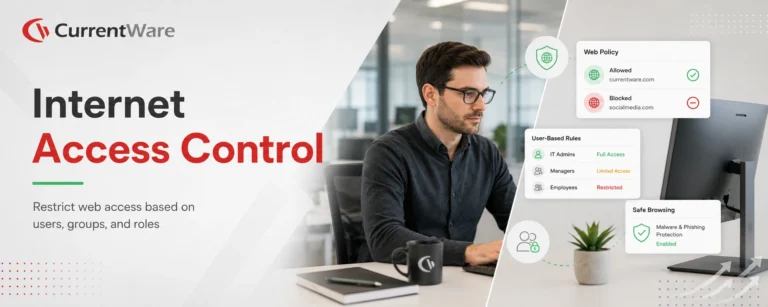
How to Restrict Internet Access Based on Users
Would you like to learn how to control internet access based on users? This article will provide a quick and…
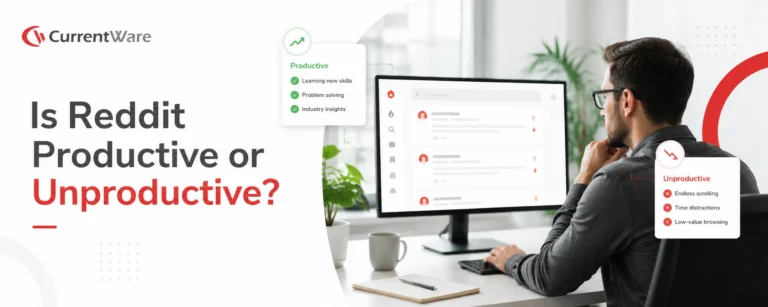
Reddit – Is it Productive or Unproductive?
What is Reddit used for? Reddit calls itself “the front page of the internet”. This description is not far from…

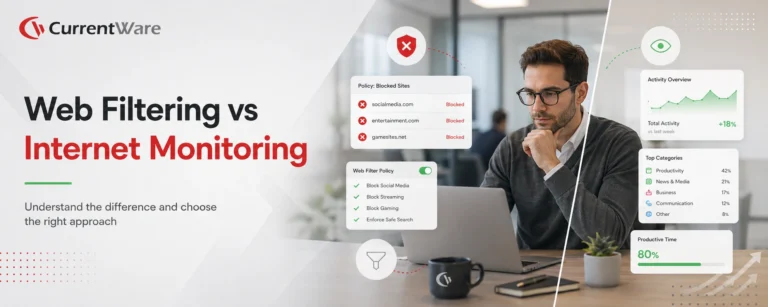
Internet Filtering or Internet Monitoring—Which is Right For You?
Internet filtering and internet monitoring are unique forms of web content management that are used for managing the internet usage…
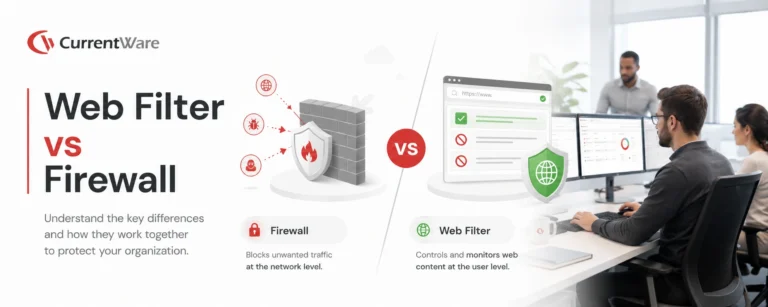
Why Firewall Web Filtering Isn’t Enough: A Critical Comparison
If you want to control access to specific websites, you need a web filter – not a firewall. In this…
Try BrowseControl for Free
Fully functional. Easy to use. $6 USD user/month